The problem
Routes often pass through areas with weak cell service. Riders may lock their phones, switch apps, or pause for fuel. Recording has to account for those events, and the saved ride should make sense once the rider is home.
What DevTech built
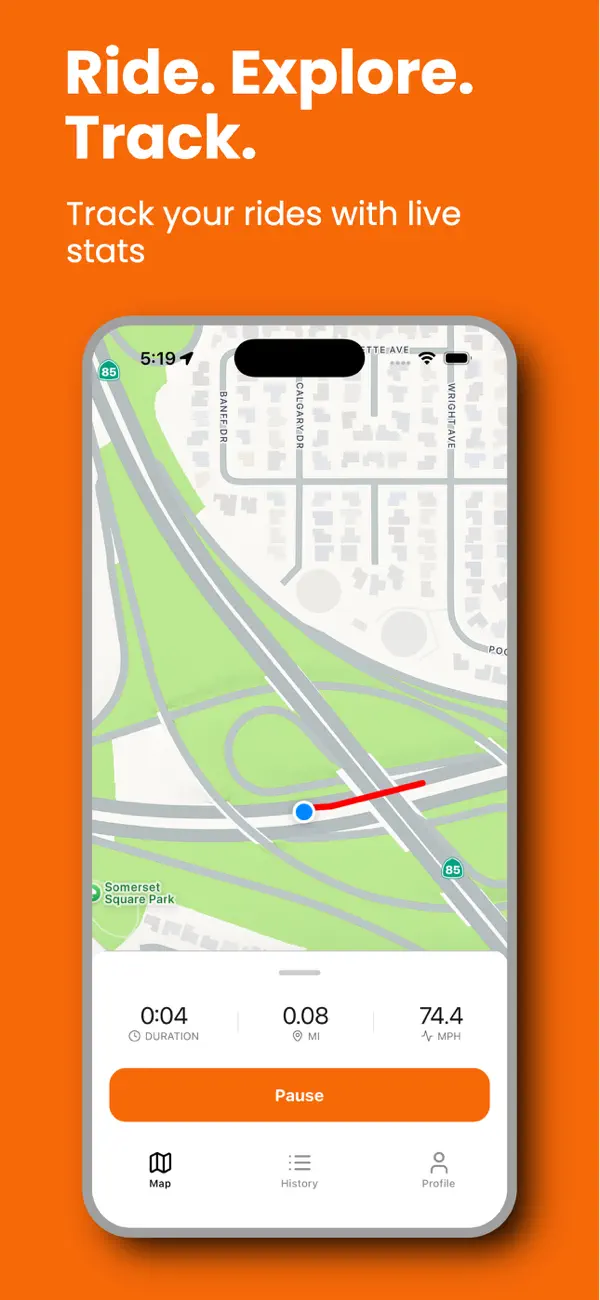
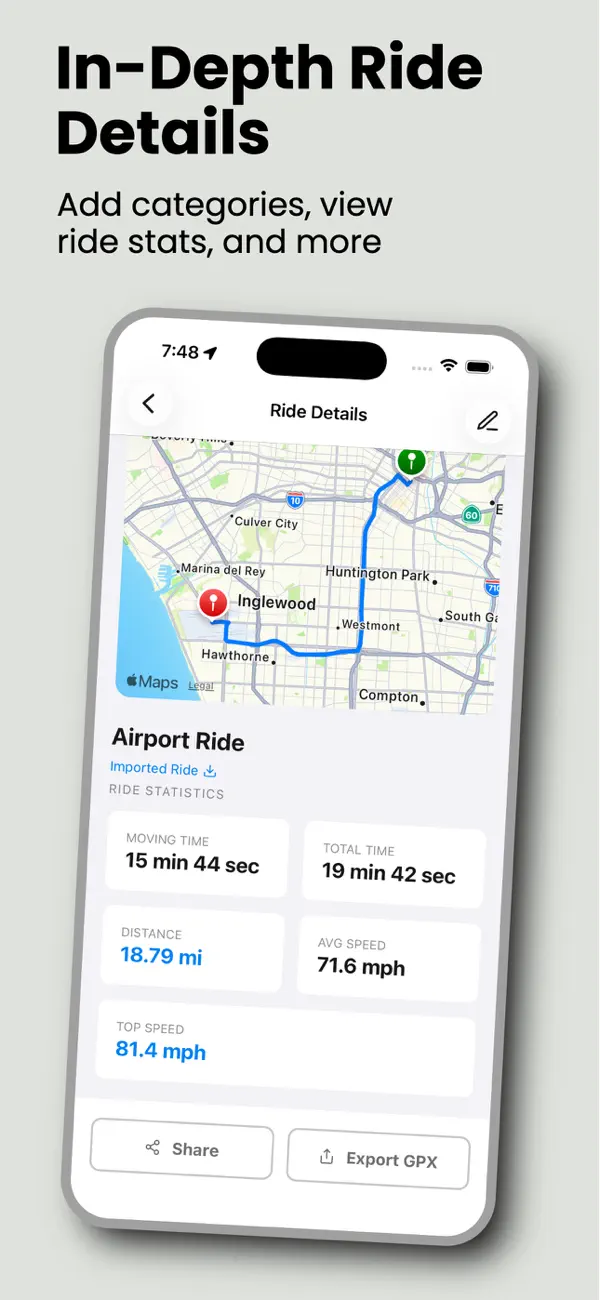
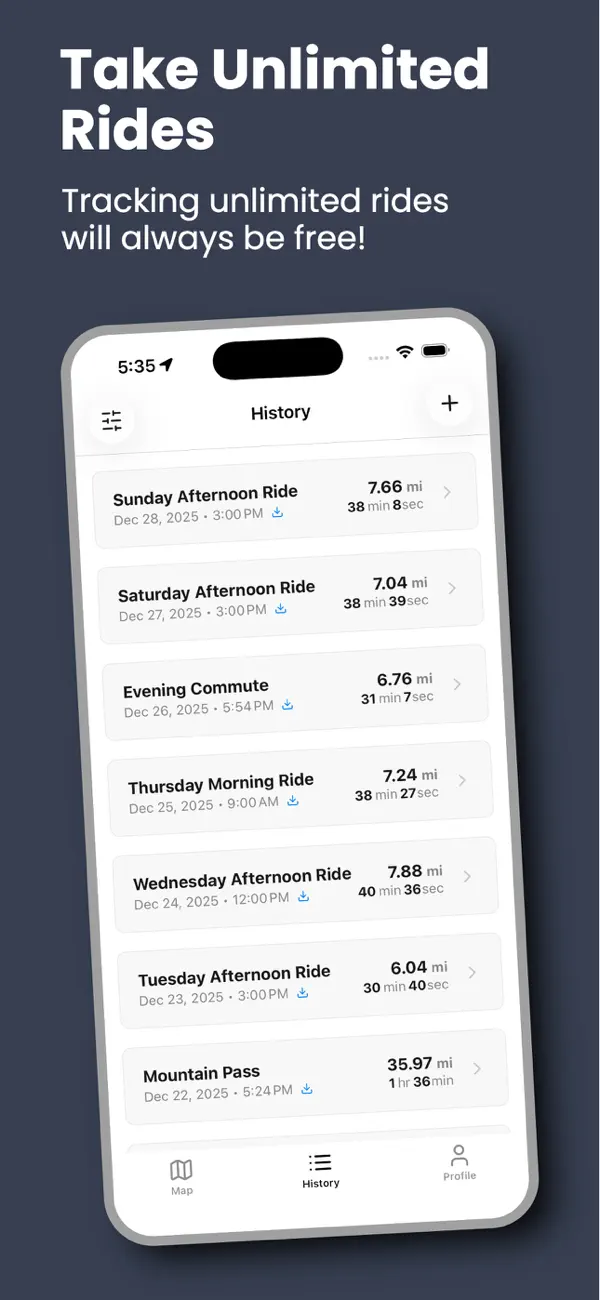
The app brings the whole ride into one workflow. Riders choose a vehicle, start GPS recording, and see elapsed time, distance, and speed. Afterward they can review the route, compare moving and total time, see speed and elevation charts, and find the ride in their history. A garage groups rides by vehicle, and GPX import and export let riders move routes between apps.
Three decisions that shaped the build
- Handle background recording as a platform feature. React Native and Expo let the app share the ride screens and data model across iOS and Android. The recording flow uses each platform’s location permissions for background updates. When a rider pauses and resumes, the app begins a new route segment so distance does not include the gap.
- Save the ride on the device. Core tracking and saved rides work without an account or mobile data. Some map tiles may still need a connection. That distinction matters when designing a ride screen for areas with weak coverage.
- Support subscriptions without complicating recording. DevTech integrated RevenueCat to handle app-store subscriptions. A rider can open the app and begin tracking without creating a Ride Tracker account.
Release and result
DevTech rebuilt the app for its 2.0 release and published the product on both stores. The live listings show the product’s scope, from GPS capture and ride history to statistics and GPX export.
Build a mobile app with DevTech
If your app needs background GPS, offline access, or subscriptions, contact Devin about your project. See mobile development services or the Mortal case study for an app that is still in development.